Microsoft 365
Microsoft 365 is a widely used suite of productivity tools that supports business processes and organisational management. It helps teams collaborate effectively, streamline workflows, and stay organised.
How does the integration work?
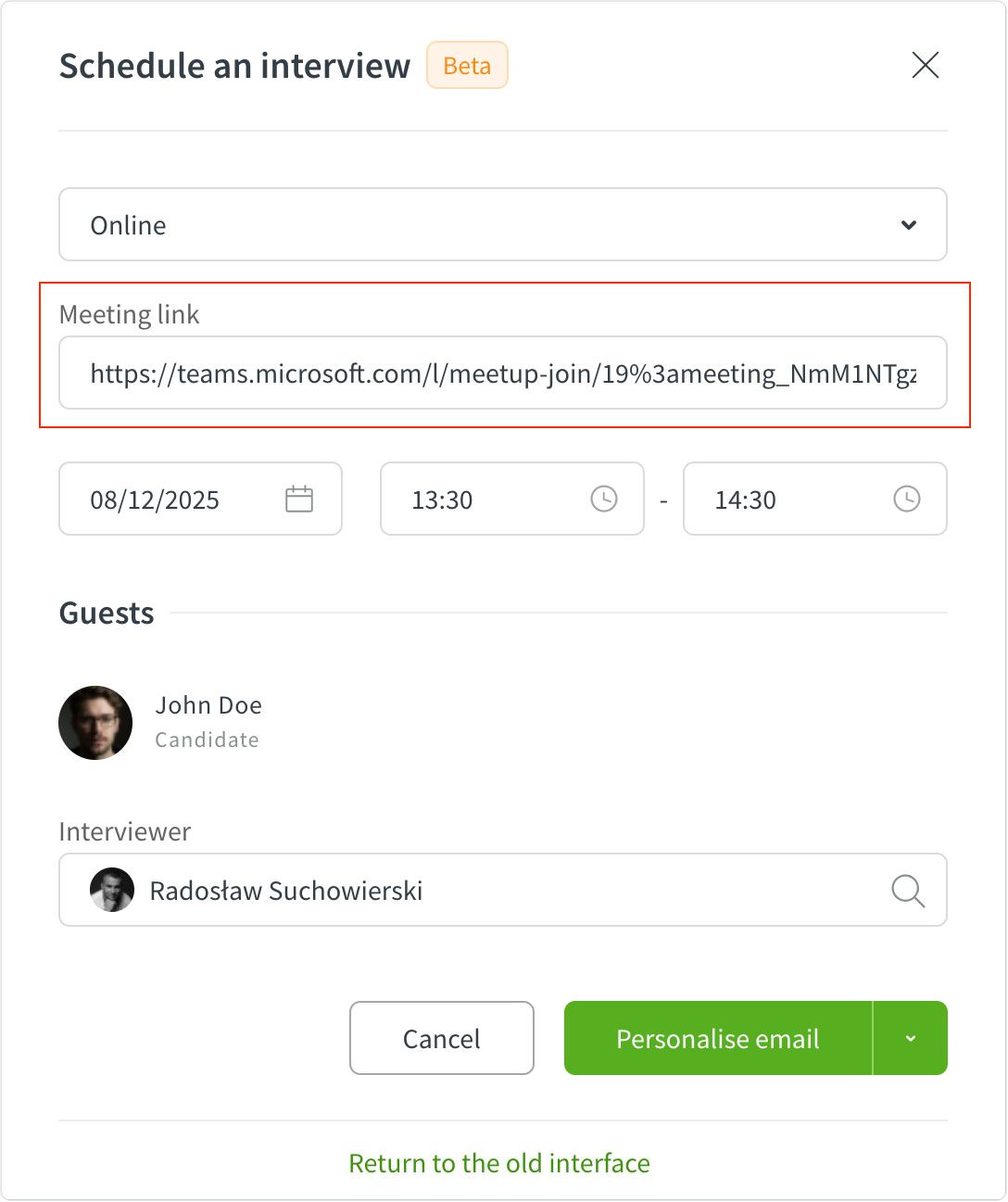
The Microsoft 365 integration in Unatrix allows users to automatically generate meeting links for interviews. Once connected, when you create an interview in Unatrix, the meeting link for online meetings is automatically generated and added along with the event to your calendar, ensuring a seamless scheduling experience.
Setting up the integration
You can enable this feature by connecting your Microsoft 365 account:
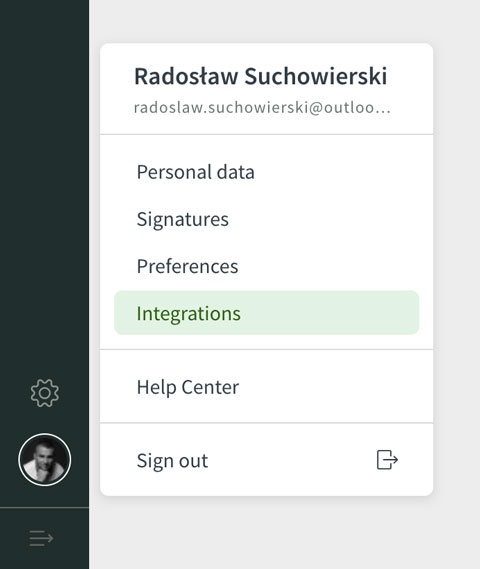
- Go to Personal Settings → Integrations.
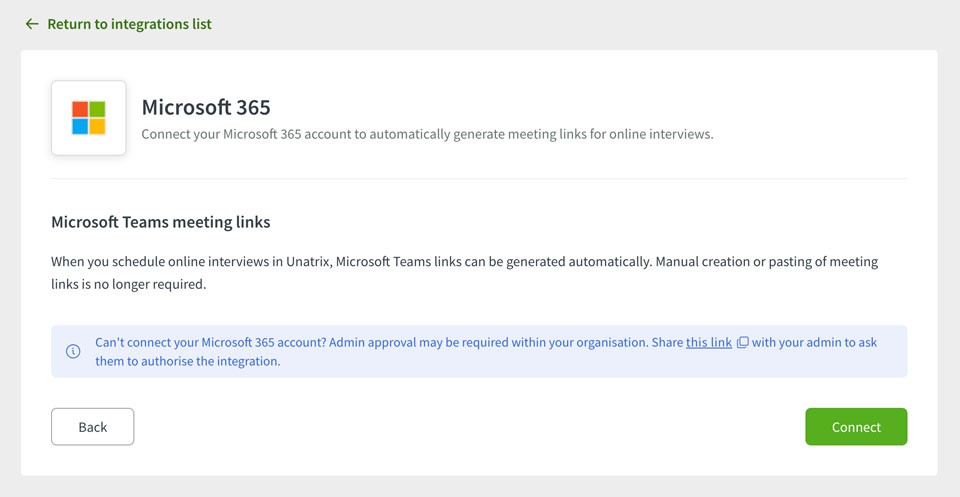
- Select Microsoft 365 and click Connect.
- Log in with your Microsoft 365 email and password.
Once connected, when creating an online interview in Unatrix, the meeting link field will be filled in automatically.
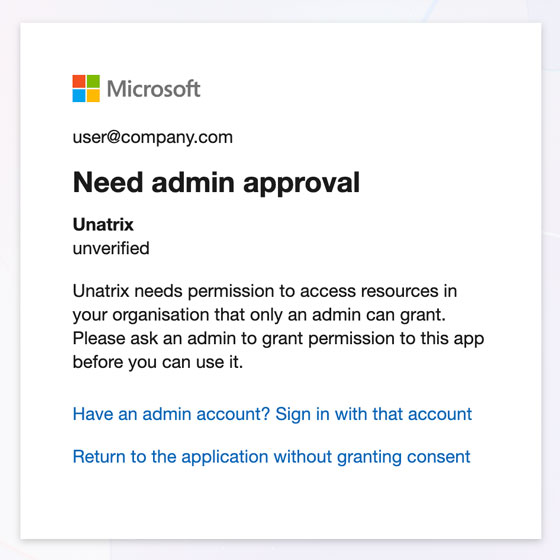
Admin approval
Depending on your organisation’s Microsoft 365 permissions, admin approval may be required to authorise the integration. You can find the approval link on the Integrations page and share it with your admin.